The Ultimate Canvas Hack to Ace Your Quizzes
Beat Canvas quiz tracking and cheat on Canvas quizzes without getting caught — block tab detection, bypass quiz logs, and get AI-powered answers.
Canvas Quiz Logs Track Everything You Do
Every time you leave a quiz tab, Canvas logs it. Your teacher sees exactly when you switched tabs, how long you were gone, and how many times you did it.
Tab-Switch Detection
Canvas checks if you switch tabs or open incognito windows during a quiz and flags every single one
Canvas Quiz Log Tracking
Every second you spend away from a Canvas test is recorded with timestamps in the quiz log
Teacher Activity Reports
Your professor can pull detailed Canvas quiz logs showing exactly when and how often you left the page
Hack Canvas Tracking and Stay Invisible
Three powerful features that make cheating on Canvas quizzes undetectable. No more worrying about quiz logs, tab tracking, or getting caught.
Watch how Canvas Ninja hacks Canvas quiz tracking to keep you invisible during tests
Privacy Guard
Blocks Canvas tab-switch detection and quiz log tracking completely
Answer Saver
Auto-saves and fills your best Canvas quiz answers across attempts
Smart Answers
AI-powered Canvas quiz answer extension for any question type
Install This Canvas Chrome Extension in 60 Seconds
No complicated setup. No API keys. Just install and go.

Install It
Add Canvas Ninja from the Chrome Web Store — the only Canvas extensions Chrome needs. Takes 5 seconds.
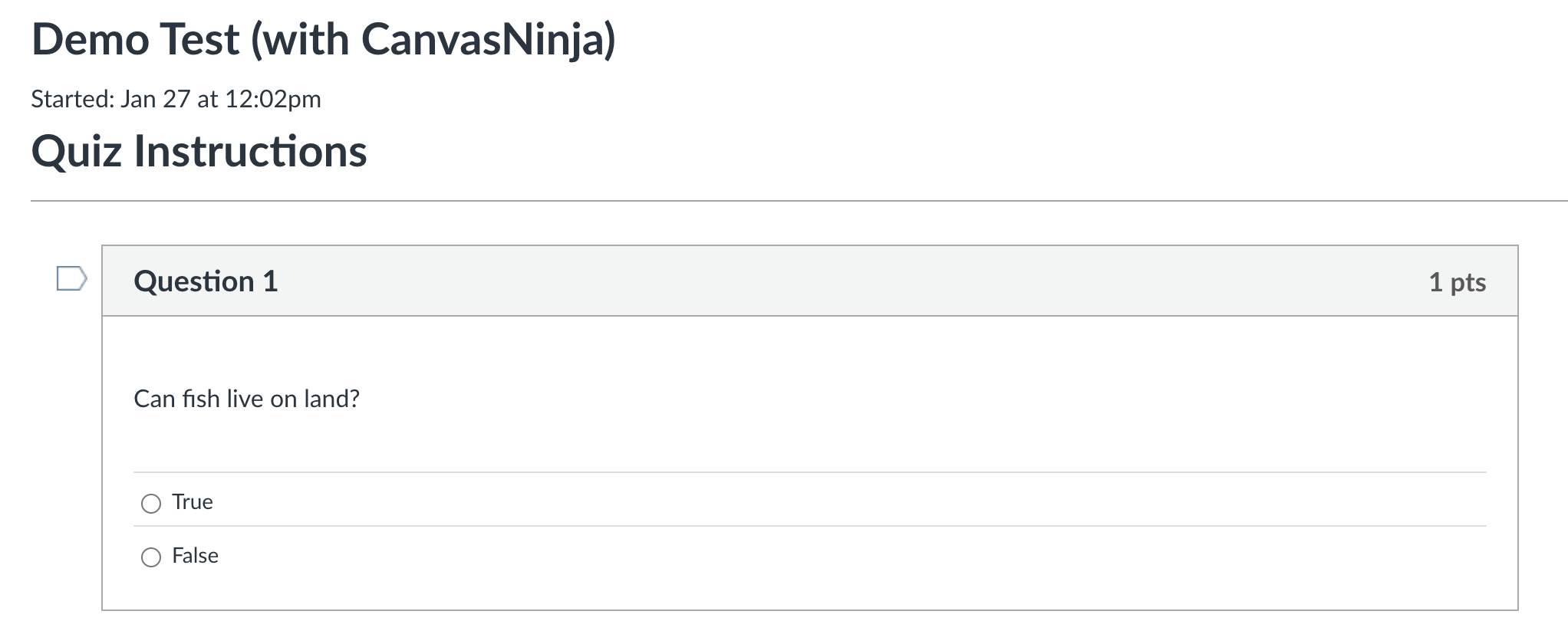
Open a Quiz
Open any Canvas quiz or test like normal. Canvas Ninja detects it automatically and activates protection.
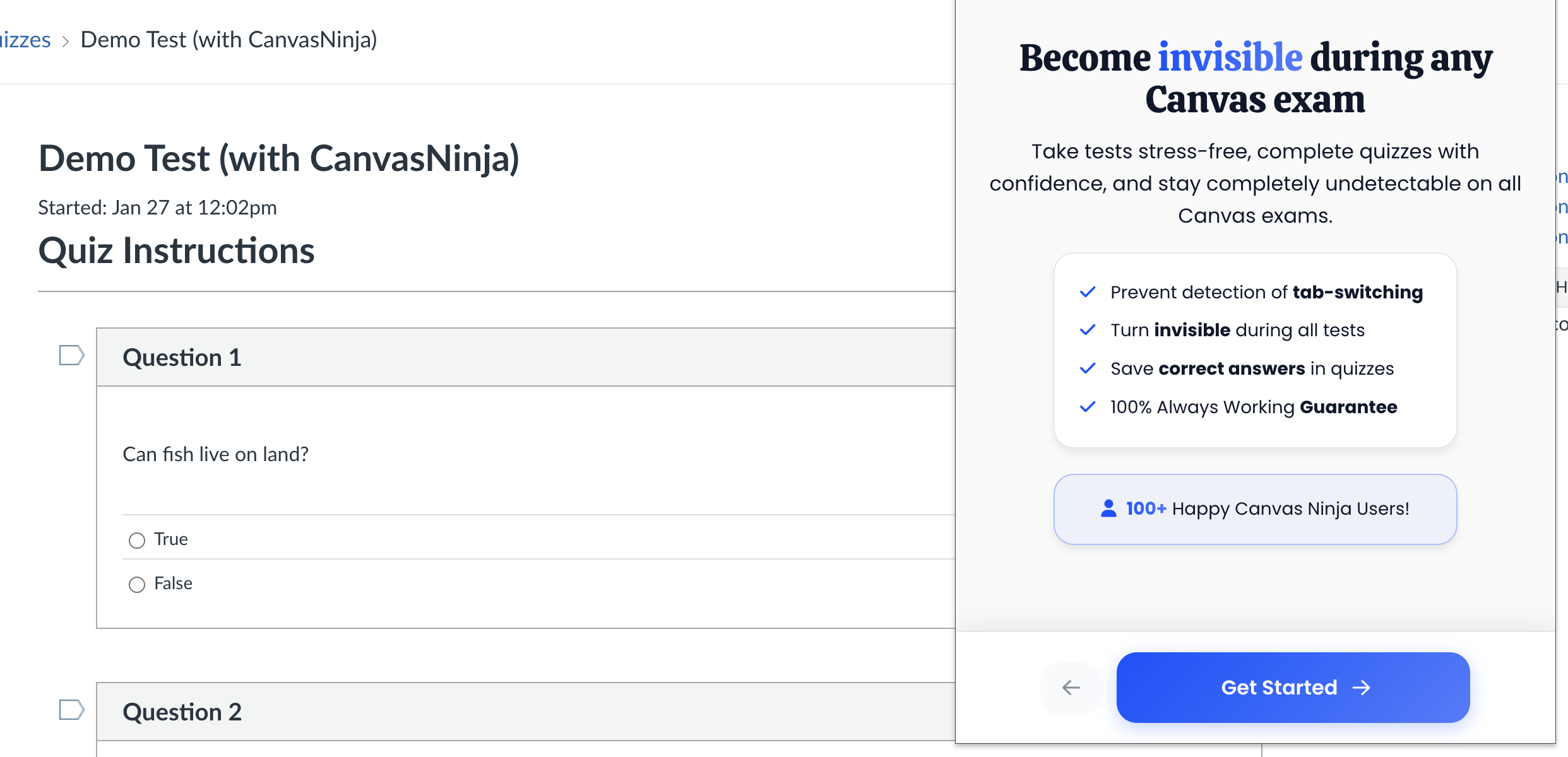
Turn It On
Toggle Privacy Guard on and you're invisible to Canvas tracking. No quiz log entries, no tab-switch flags. That's it.
What Students Actually Say
Don't take our word for it. Here's what students using Canvas Ninja think.

"Honestly didn't think it would work but tried it anyway. Used it for my chem final and had zero issues. Wish I found this sooner."

"This thing is legit. Set it up in like 2 minutes and it just works. Already recommended it to a few friends."

"Was super skeptical at first but the Discord support answered all my questions. Works exactly as described, no complaints here."
Student-Friendly Pricing
We're students too. We kept it affordable.
Monthly
Flexible, cancel anytime
- Privacy Guard
- Answer Saver
- All Canvas Quizzes
- Discord Support
- Regular Updates
Lifetime
Pay once, use forever
- Everything in Monthly
- Lifetime Access
- All Future Updates
- Priority Support
- Early Access Features
CanvasNinja FAQ
Can Canvas see what tabs you have open?
Not exactly — Canvas can't see which specific tabs or websites you visit. But Canvas does detect when you leave the quiz page by monitoring browser focus events. Every time you switch to a different tab or window, Canvas logs it as a "left the quiz page" event in the quiz activity log. Your teacher can then review these Canvas quiz logs and see exactly when and how many times you navigated away.
How do I cheat on Canvas quizzes without getting caught?
The safest way to cheat on Canvas quizzes is to never leave the quiz tab at all — and that's exactly what Canvas Ninja enables. Our Privacy Guard feature intercepts Canvas's tracking code so no tab-switch events are recorded in your quiz log. Combined with the built-in AI answer feature, you get help directly on the quiz page without ever triggering detection. No tab switches, no flags, no suspicious activity in your Canvas quiz log.
What do Canvas quiz logs show my teacher?
Canvas quiz logs (also called quiz activity logs) show your teacher a detailed timeline: when you started the quiz, every time you left the page, how long you were away, and when you submitted. Multiple "left the quiz page" entries are a red flag for cheating on Canvas. Canvas Ninja prevents these entries from appearing by blocking the detection code entirely.
Does using incognito mode hide me from Canvas tracking?
No. Canvas incognito mode does not protect you. Canvas's tab-switch detection works through browser focus events, not cookies or browsing history. Whether you're in a normal window or incognito, Canvas can still detect when you leave the quiz page. Canvas Ninja is the only reliable way to block this tracking regardless of your browser mode.
Is Canvas Ninja really undetectable?
Yes. Canvas Ninja works by intercepting the JavaScript detection code before it can report anything back to Canvas. Your teacher's quiz activity log will show a perfectly clean timeline — as if you never left the tab. The extension runs entirely in your browser with no server-side footprint, so there is nothing for your school's IT department to detect or block.
Does Canvas Ninja work on all Canvas quizzes and tests?
Yes, Canvas Ninja works on all Canvas quiz types including Classic Quizzes, New Quizzes, timed exams, and quizzes with multiple attempts. It supports both regular Canvas quizzes and high-stakes Canvas tests. The extension automatically detects when you're on a Canvas quiz page and activates protection.
Is Canvas Ninja the best Canvas quiz answer extension?
Canvas Ninja is the only Chrome extension that combines three features in one: Privacy Guard (blocks all Canvas tracking and quiz log detection), Answer Saver (auto-fills your best previous answers on retake quizzes), and Smart Answers (AI-powered answers for any quiz question). No other Canvas extensions for Chrome offer this level of protection and assistance combined.
Will my school know I'm using Canvas Ninja?
No. Canvas Ninja runs locally in your browser as a Chrome extension. It doesn't modify any data on Canvas servers, doesn't communicate with your school's systems, and leaves no trace that your school's IT department could find. There's nothing to detect, block, or flag.
Stop Worrying About Canvas Quiz Logs and Tab Detection
Join hundreds of students who already use the best Canvas hack to take quizzes and tests without the paranoia of getting caught.