LET’S CHECK YOUR SETUP
Is your Privacy Guard
ready to go?
Try it off. Try it on. See the difference.
We’ll walk you through each step — no Canvas quiz needed.
Chrome · CanvasNinja 1.1.48+ · Active plan

This checks Privacy Guard on this demo page. It cannot confirm what your school records in Canvas or in separate proctoring software.
YOUR STEP-BY-STEP CHECK
Let’s take it one step at a time.
- 1Get ready
- 2Try it off
- 3Try it on
GET READY
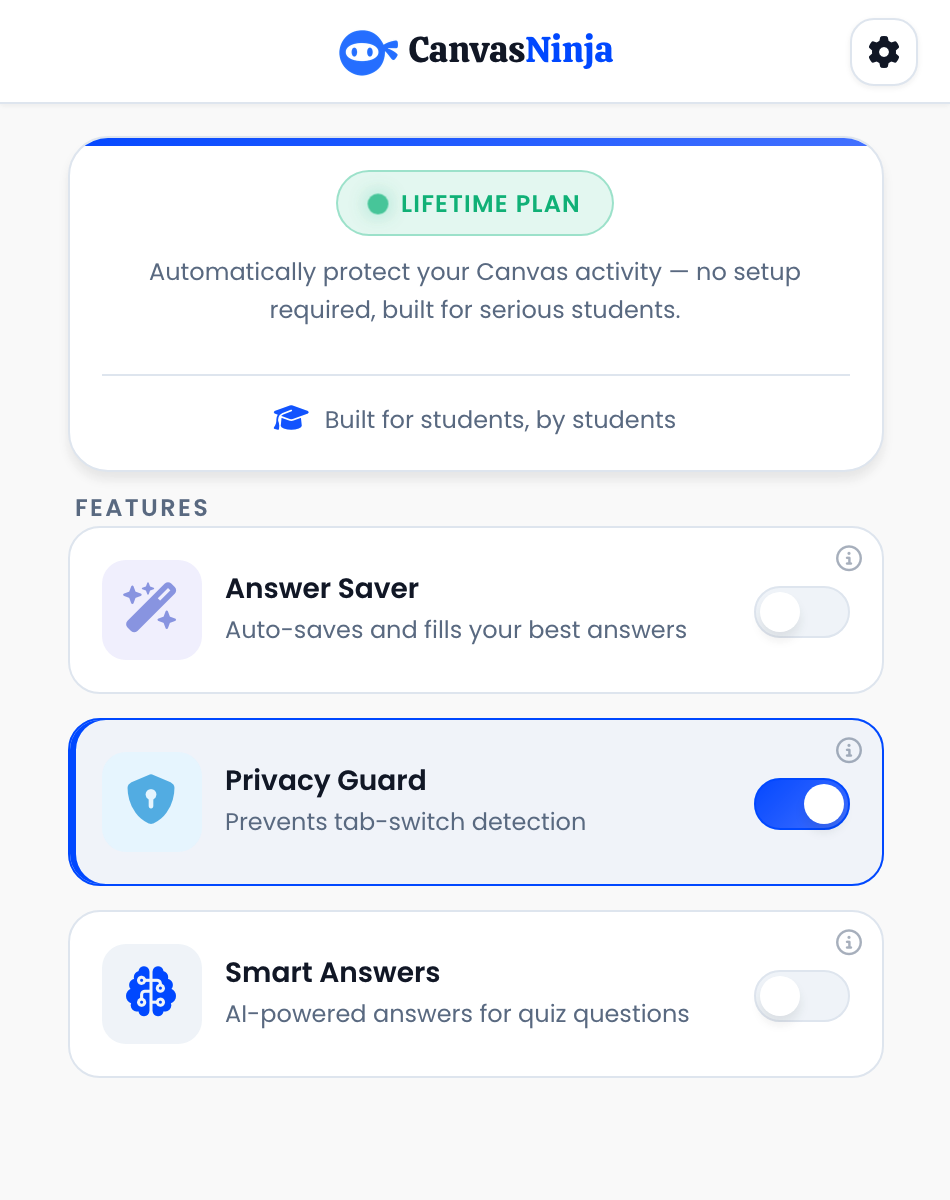
Open CanvasNinja in Chrome
Looking for your extension…
- 1
Click the puzzle-piece icon near Chrome’s address bar, then choose CanvasNinja.
- 2
Sign in and make sure your plan is active.
- 3
Come back here and choose Check again.
This check needs version 1.1.48 or later. If your Store version is older, return after the update is available. An older version does not mean Privacy Guard failed on Canvas.
TRY IT OFF
First, check without Privacy Guard
First, connect your extension above.
- 1
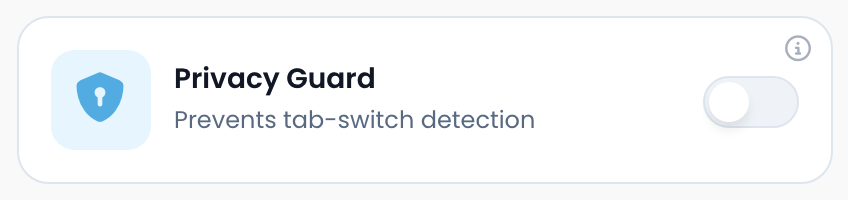
Open CanvasNinja and turn Privacy Guard off. Choose Disable when asked. Then reload this page.
- 2
Choose Open test tab below. Stay on the new tab for 2 seconds.
- 3
Close that tab, return here, and choose Finish this check.
What does the confirmation look like?
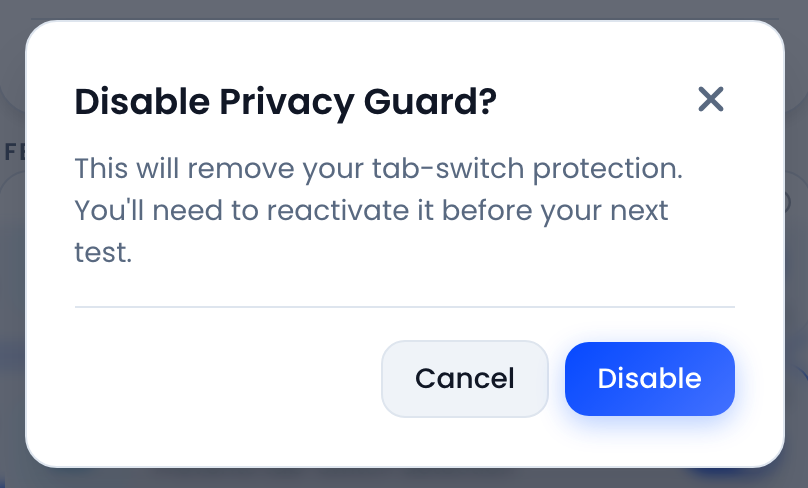
Choose Disable to continue with the first check.
TRY IT ON
Now, check with Privacy Guard
Complete the first check to unlock this step.
- 1
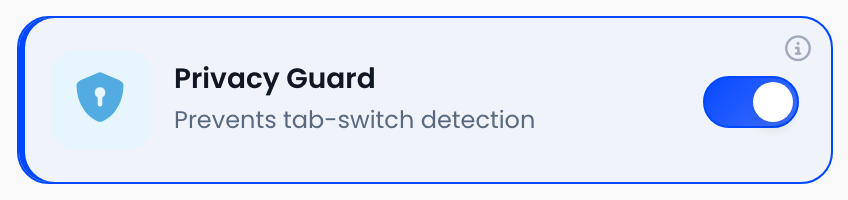
Open CanvasNinja and turn Privacy Guard on. Then reload this page. Your first result will be kept.
- 2
When the status above says Ready, choose Open protected test tab.
- 3
Stay on the new tab for 2 seconds. Close it, return here, and choose Finish this check.
CHECK IN PROGRESS
Visit the test tab, then come back.
Keep the test tab open for 2 seconds, close it, then finish here.
YOUR RESULT
Here’s what we found
Your result will appear after you complete a check.
Need a hand?
Where do I find my extension version?
In Chrome, open the Extensions menu and choose Manage extensions. Find CanvasNinja, choose Details, and look for its version number. This demo needs 1.1.48 or later. If the Store has not offered that update yet, try again after it arrives.
The test tab didn’t open. What should I do?
Chrome may have blocked the new tab. Use the blocked-popup icon in the address bar to allow popups for canvasninja.app, then start the check again. Keep this demo and its test tab in the same Chrome window.
Why do I need to turn Privacy Guard off first?
The first check confirms that this page can receive focus events when you change tabs. We compare that with a second check with Privacy Guard on. Seeing zero events by itself would not tell us whether a check actually happened.
Does a successful check mean my school can’t track me?
No. The result applies only to this demo page. It does not verify your school’s Canvas quiz logs, New Quizzes, lockdown browsers, or separate proctoring tools.
View event counts and privacy details
No supported extension detected yet.
These are browser-event counts, not Canvas log entries. Only browser-generated events count. Check results stay in this browser; this demo does not send them, quiz content, or account details to a server. The baseline is held in this tab’s session storage and temporary test-tab signals use this site’s local storage. Privacy policy.
Still stuck? Email hello@canvasninja.app with your extension version and what happened.